

AI in PowerPoint: Present Smarter in Todays World with Copilot

Duration: 60 Minutes
Learn how to transform ideas into polished presentations using the latest AI tools in PowerPoint. We’ll explore how Copilot can draft slides, summarize documents, enhance design, and generate visuals in seconds. You’ll see how AI streamlines workflows, from brainstorming structure to refining content and formatting. We’ll also practice using features like design suggestions, speaker notes, and rehearsal tools to elevate delivery. By the end, you’ll know how to combine your expertise with AI to create compelling, efficient, and audience ready presentations.
- Use Copilot to generate a complete presentation draft.
- Transform long documents into concise slide decks using AI and Copilot
- Enhance slide design and visual appeal with AI
- Refine and improve slide content quickly with AI
- Brainstorm and develop presentation ideas with Copilot
- Practice and strengthen delivery skills using AI-powered Speaker Coach
- How to use Copilot to create a full presentation from a topic or document
- Turning long files into clean, concise slide decks with AI
- Improving slide design with themes, layouts, images, and visual suggestions
- Refining content using AI rewriting, formatting, and clarity tools
- Brainstorming ideas, outlines, and structure with Copilot
- Using AI tools like Speaker Coach and generated notes to practice delivery
- People who want to create better presentations with help from AI and Copilot.
- Professionals who need to build clear, polished slides quickly.
- Educators and trainers are looking to make lessons more engaging and efficient.
- Students or presenters who want stronger storytelling and design support.
- Anyone curious about using AI tools to improve their workflow in PowerPoint.
The ideal audience for this class includes anyone who wants to create clear, polished presentations with less effort by using AI and Copilot. It’s perfect for professionals, educators, students, and teams who regularly build slide decks and want faster, smarter ways to organize ideas, design slides, and improve delivery. Whether someone is new to PowerPoint or already experienced, this session will help them work more efficiently and confidently with AI tools.
Staci Warne is a Project Management Professional (PMP®), Microsoft Certified Trainer (MCT®), and Certified AI Specialist (CAIS®), who brings modern workplace learning to life with practical insights and engaging instruction. Known for transforming complex Microsoft 365 and Copilot concepts into clear, actionable skills, she guides professionals toward those exciting “aha!” moments where everything just clicks. Her courses blend structured learning with real world application, empowering participants to work smarter, communicate more effectively, and unlock new levels of productivity through AI enhanced workflows. With her approachable style and deep technical expertise, Staci Warne makes even advanced technology feel accessible, useful, and dare we say fun!
Upcoming Webinars

By Duncan Williamson
Date: Feb. 23, 2026

By Margie Faulk
Date: Feb. 23, 2026

By Dr. Susan Strauss
Date: Feb. 23, 2026

By Don Phin
Date: Feb. 23, 2026


By Marcia Zidle
Date: Feb. 24, 2026


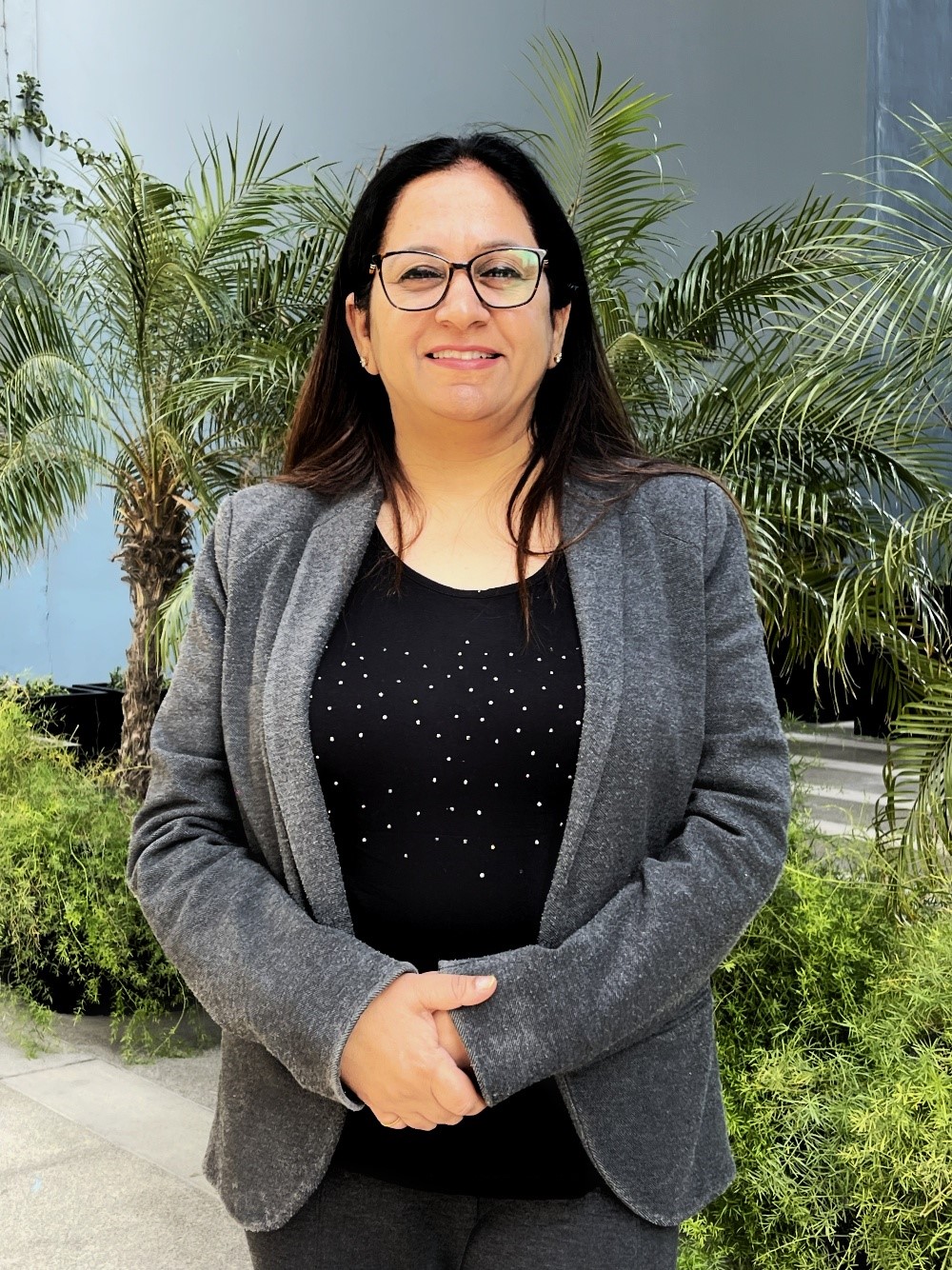
By Ritu Arora
Date: Feb. 24, 2026


By Melveen Stevenson
Date: Feb. 25, 2026

By David Nettleton
Date: Feb. 25, 2026

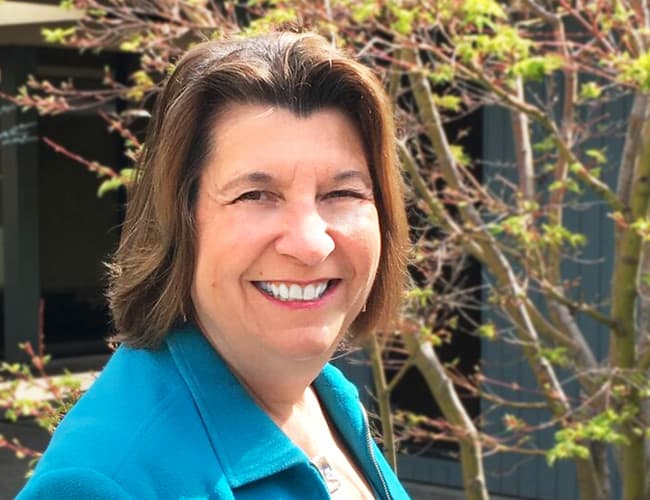


By Edwin Waldbusser
Date: Feb. 26, 2026


By Paul Pelletier
Date: Feb. 26, 2026

By Mike Thomas
Date: Feb. 27, 2026


By Mark Gorkin
Date: March 2, 2026
By Marcia Zidle
Unlock Employee Loyalty: Stay Interviews Will Keep Them Engaged Before They Start Looking Elsewhere!
Date: March 2, 2026

By Beverly Beuermann-King
Date: March 2, 2026

By Daniel Clark
Date: March 2, 2026

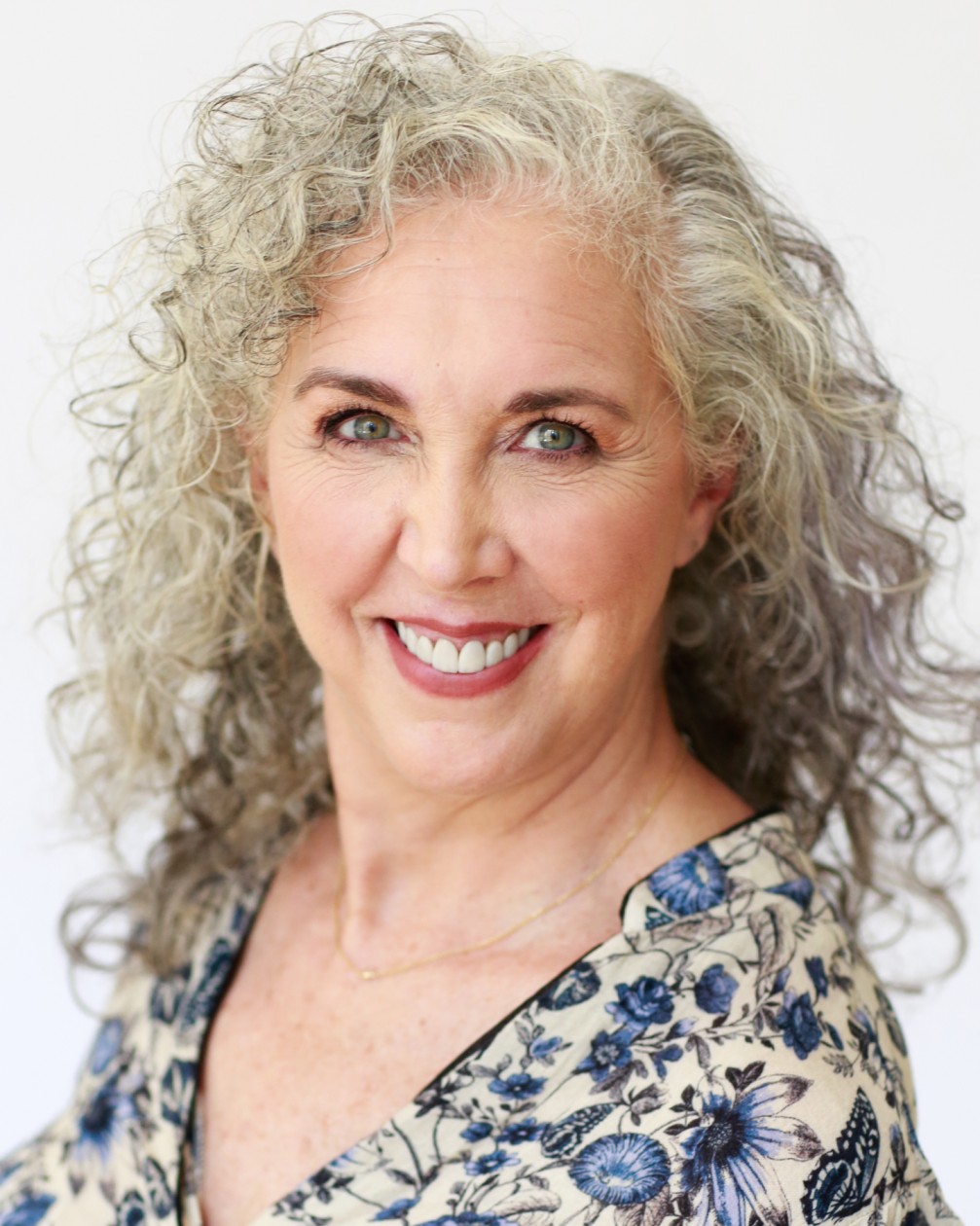
By Marcia Zidle
Date: March 5, 2026
By Dr. Susan Strauss
Date: March 9, 2026



By Brian G. Rosenberg
Recorded Session

By Kelly Thomas
Recorded Session

By Ronald L. Adler
Recorded Session
By Edwin Waldbusser
Recorded Session
By Brian G. Rosenberg
Recorded Session
By Marcia Zidle
Recorded Session

By Rachelle D Souza
Recorded Session


By Bruce Lee
Recorded Session
By Ritu Arora
Recorded Session
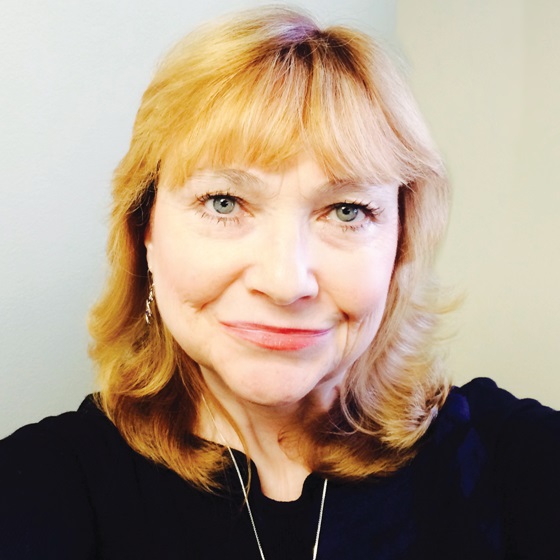
By Carolyn Troiano
Recorded Session

By Ginette M. Collazo
Recorded Session
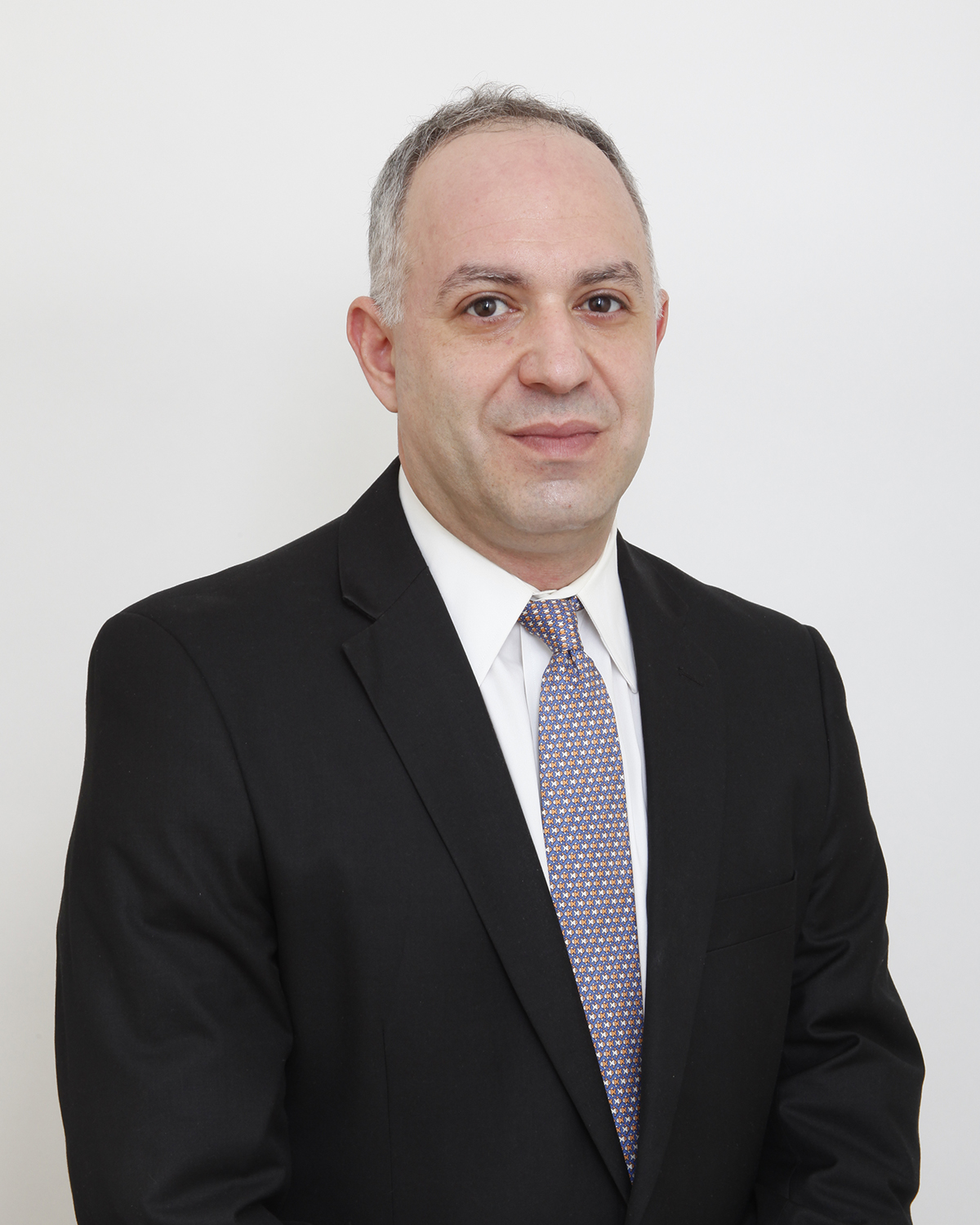
By Justin Muscolino
Recorded Session


By Jonnie Keith
Recorded Session
By Bruce Lee
Recorded Session
By Cathy Horwitz
Recorded Session
By Beverly Beuermann-King
Recorded Session

By Nancy Amert
Recorded Session


By Deb Schaffer
Recorded Session

By Charles H. Paul
Recorded Session


By Allen Evitts
Recorded Session
By Charles H. Paul
Recorded Session
By Dr. Susan Strauss
Recorded Session



By Dev Strischek
Recorded Session
By Kelly Thomas
Recorded Session


By Diane L. Dee
Recorded Session